What Happens When You Type a URL and Press Enter
DNS lookups, TCP and TLS handshakes, HTTP requests, servers, and the browser's rendering pipeline. The whole journey of a web page, explained so it finally clicks.
Read →Great content can't rank if search engines can't crawl, render or understand it. The technical SEO checklist developers control: indexability, titles, canonicals, sitemaps, structured data and speed.
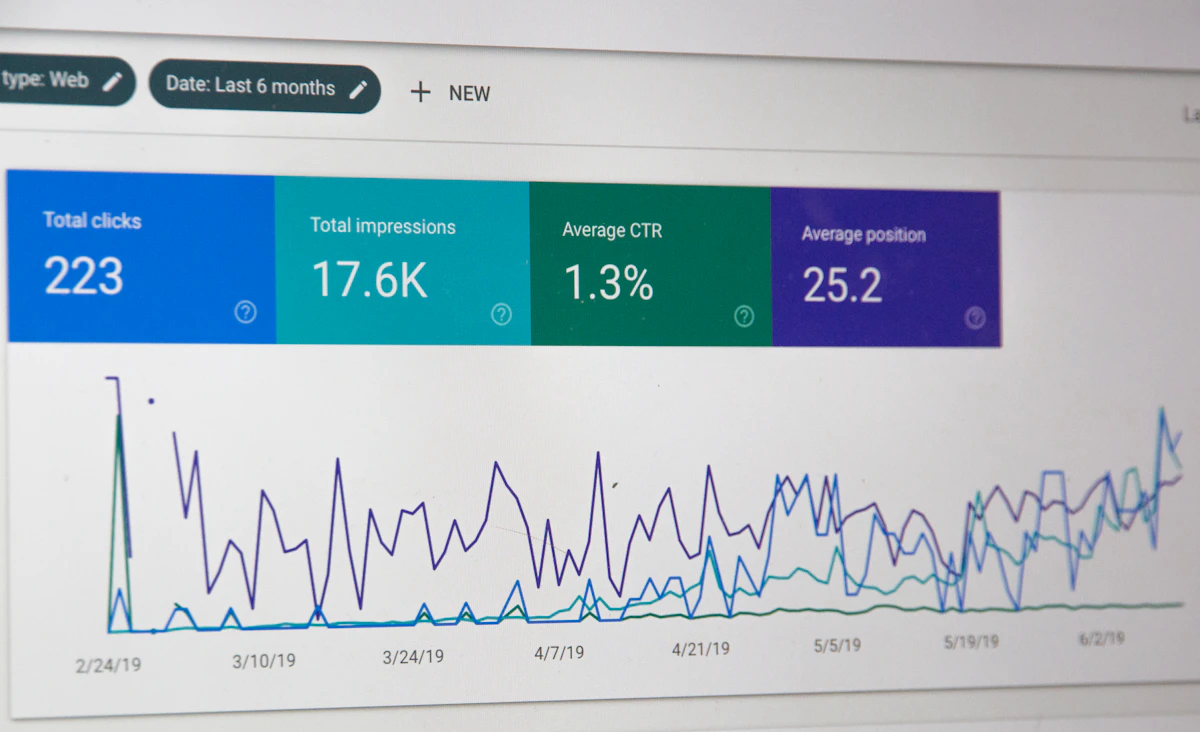
SEO often gets treated as a marketing topic, but a big part of it is purely technical, and developers control it. If search engines can't crawl a page, can't render its content, or see five duplicate versions of it, no amount of great writing will help. The good news is that technical SEO is mostly a checklist, and it stays remarkably stable over time.
robots.txt. It controls crawling. A leftover Disallow: / from staging has hidden entire sites from search.noindex deliberately. A <meta name="robots" content="noindex"> keeps a page out of results. Use it for thank-you pages, internal search results and admin areas, not by accident on real content.<a href> links. Crawlers follow links; they don't click buttons that change routes with JavaScript only.Search engines can render JavaScript, but it's slower and less reliable than reading HTML, and many social preview bots don't run JavaScript at all. For public pages, server-render or statically generate the main content. (Rendering strategies.)
Quick test: view the page source (not DevTools' Elements panel). If your main content isn't there, crawlers may not see it either.
Each page needs:
<title>How to Fix CORS Errors: A Clear Guide | YourSite</title>
<meta name="description" content="Why browsers block cross-origin requests, how preflight works, and the right server-side fixes.">
The same content at several URLs splits ranking signals:
http:// vs https://, www vs non-www: pick one and 301 redirect the rest.<link rel="canonical" href="https://example.com/blog/fix-cors-errors-guide">
/blog/fix-cors-errors-guide beats /post.php?id=4821. Use lowercase words separated by hyphens, keep them short, and don't change them without a 301 redirect.
List your indexable pages in a sitemap (most frameworks can generate one), reference it in robots.txt, and submit it in Google Search Console. Include only canonical, indexable URLs with accurate last-modified dates.
One <h1> describing the page, then <h2> and <h3> in logical order. Headings help both search engines and screen reader users understand the page. (Accessibility overlaps here.)
JSON-LD structured data describes your content explicitly: an article, a product, a FAQ, breadcrumbs, an organisation. It can make pages eligible for richer search results.
<script type="application/ld+json">
{
  "@context": "https://schema.org",
  "@type": "Article",
  "headline": "How to Fix CORS Errors",
  "datePublished": "2026-03-14",
  "author": { "@type": "Person", "name": "Your Name" }
}
</script>
Only mark up content that's actually visible on the page, and validate it with Google's Rich Results Test.
Page experience signals include loading speed (LCP), responsiveness (INP) and visual stability (CLS). They matter most as a tie-breaker between similarly relevant pages, and they strongly affect whether visitors stay. (Fixing a slow site and optimising images.)
Link related pages to each other with descriptive anchor text ("our guide to database indexing," not "click here"). Internal links help crawlers discover pages, spread authority across your site and keep readers around longer.
Open Graph and Twitter card tags control how links look when shared:
<meta property="og:title" content="How to Fix CORS Errors">
<meta property="og:description" content="Why browsers block requests and how to fix it properly.">
<meta property="og:image" content="https://example.com/og/cors.jpg">
A 1200×630 image works well across platforms.
Search engines primarily evaluate the mobile version of your pages. Make sure content, structured data and metadata are the same on mobile as on desktop. (Responsive design.)
curl: see exactly what crawlers receive.The parts of SEO that make a site crawlable, indexable, fast and understandable to search engines: status codes, rendering, URLs, canonicals, sitemaps, structured data and performance.
Not necessarily, but content rendered only on the client is slower and less reliable for crawlers to process. Server-side rendering or static generation is safer for public pages.
A tag that tells search engines which URL is the preferred version of a page, consolidating signals when the same content is reachable at several URLs.

DNS lookups, TCP and TLS handshakes, HTTP requests, servers, and the browser's rendering pipeline. The whole journey of a web page, explained so it finally clicks.
Read →
There are dozens of HTTP status codes, but about fifteen cover nearly everything. What each one means, when to return it, and the mix-ups (401 vs 403, 301 vs 302) that confuse everyone.
Read →
A, AAAA, CNAME, MX, TXT and NS records in plain English, why DNS changes seem slow, and the troubleshooting commands that tell you what is really going on.
Read →